 1 / 2
1 / 2
ConkyWeather+Clock
Linux
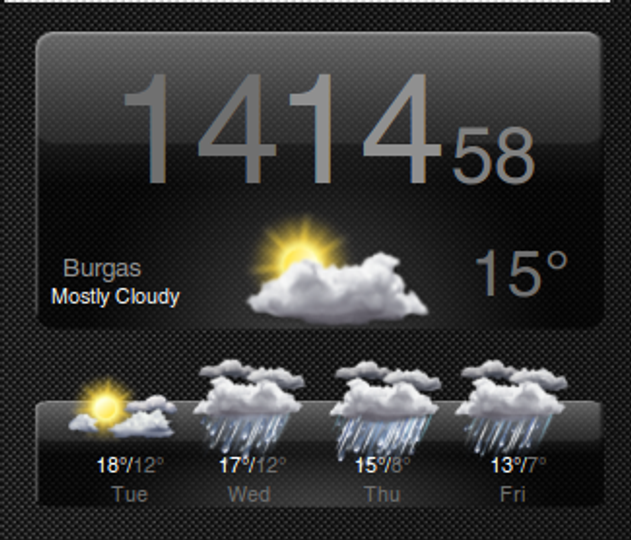
This is one good looking Conky .To make this conky I took the idea from a one HTC widget.Steps to install:1.Download weather+clock and extract to $HOME directory.2.Download fonts Helvetica from http://dox.bg/files/dw?a=28631d9221 and extract in /$HOME/.fonts3.Update fonts with this command in $SHELL[quote]fc-cache -f -v[/quote]4.To display on your TV you must write this command[quote]conky -c ~/weather+clock/conkyrc[/quote]For those who want to keep it longer has start script in the folder named Source: https://www.opendesktop.org/p/1114966
↓ 133251-weather+clock.tar.gz
2 downloads
0 favorites
0 comments
No comments yet.
Sign in to leave a comment.
0 Comments