 1 / 3
1 / 3
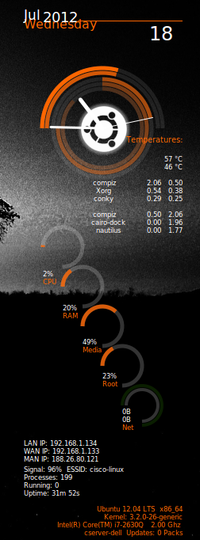
Conky Ubuntu-Lua
Linux
Ubuntu-lua conky with a new look and more stuff showing!INSTALL:1.unrar the Ubuntu-lua.tar.gz2.copy the folder Ubuntu-lua to /home/your username /3.afer copying the folder Ubuntu-lua to your home folder add a dot "." before the name of folder to make'it invisible!4.press Ctrl+h to see the invisible files & folders 5.navigate to the folder you just copy and modified (/home/your username/.Ubuntu-lua ) and run conky.sh file (make sure in properties-permissions tab the file is executab Source: https://www.opendesktop.org/p/1111487
↓ 152492-Ubuntu-lua.tar.gz
5 downloads
0 favorites
0 comments
No comments yet.
Sign in to leave a comment.
0 Comments