 1 / 2
1 / 2
Gobilum Rule Them All - Conky
Linux
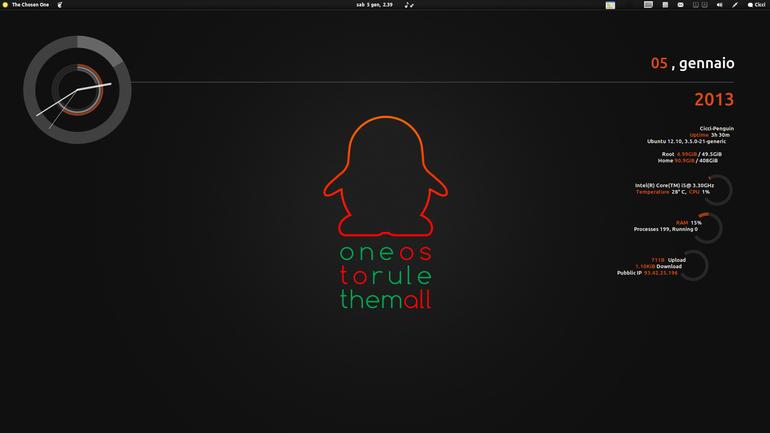
This time I tried to setting up more resolutions. In the zip file you'll find 3 folders with these resolutions: 1024x768, 1280x1024, 1920x1080; just choose yours! NOTE: i can only emulate the first and the second resolution, so i don't know if really works Sorry. For bugs and problems please contact me^^How to install:Choose your screen resolution, copy files "conkyrc" and "rings-v1.2.1.lua" and paste in the folder .conky in your home (/home/yourusername/.conky).To show hidde Source: https://www.opendesktop.org/p/1111148
↓ 156276-GobilumRuleThemAll.zip
2 downloads
0 favorites
0 comments
No comments yet.
Sign in to leave a comment.
0 Comments