 1 / 2
1 / 2
Tenuto-Light Aurorae theme
Linux
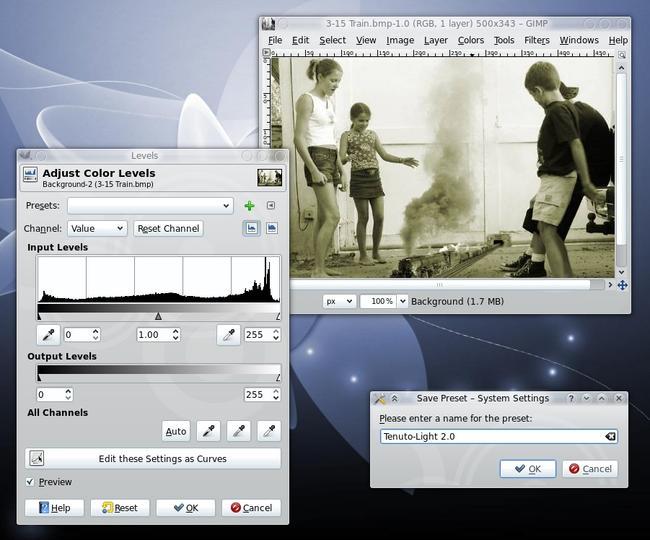
An Aurorae window decoration designed for use with the Tenuto-Light QtCurve theme (http://kde-look.org/content/show.php?content=121885).To install:1) Make sure you have the Aurorae theme engine installed (users of KDE 4.4 SC or later will have it installed by default).2) KDE 4.4: Go into the KDE system settings -> Appearance -> Windows. Select "Aurorae Decoration Theme Engine" as the window decoration. KDE 4.5: Go into the KDE system settings -> Workspace Appearance -> Wind Source: https://www.opendesktop.org/p/1002691
↓ 121888-Tenuto-Light_Aurorae_2.0.tar.gz
2 downloads
0 favorites
0 comments
No comments yet.
Sign in to leave a comment.
0 Comments