 1 / 2
1 / 2
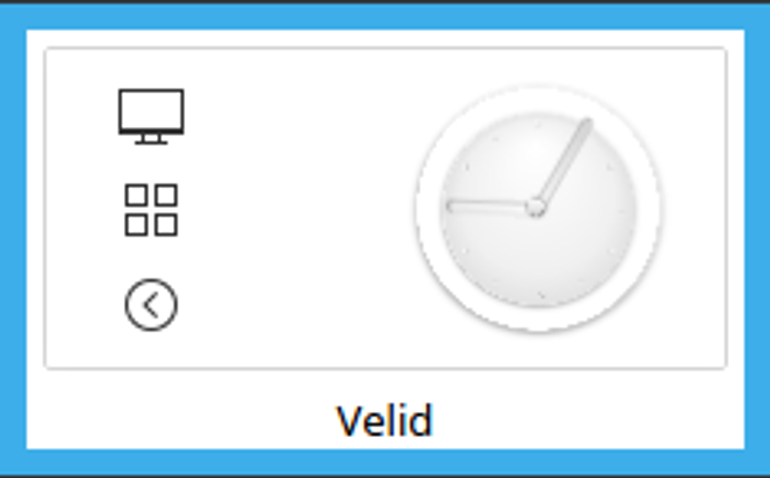
Air Breeze Desktop Theme
Linux
Desktop theme combining the look of Air and Breeze styles, with new modified and elegant Air clock!Install notes ( Linux Mint 18.2)- Copy extracted files to user themes default location> /usr/share/plasma/desktoptheme/( You will see other themes there already, make sure your extracted files follow same folder structure )- Go to System Settings> Workspace Theme > Desktop Theme and choose it there!- Choose beautiful wallpaper and enjoy your new theme! ^^ Source: https://www.opendesktop.org/p/1220545
↓ custom-theme-velid.tar.gz
3 downloads
0 favorites
0 comments
No comments yet.
Sign in to leave a comment.
0 Comments