 1 / 4
1 / 4
Kadiya
Linux
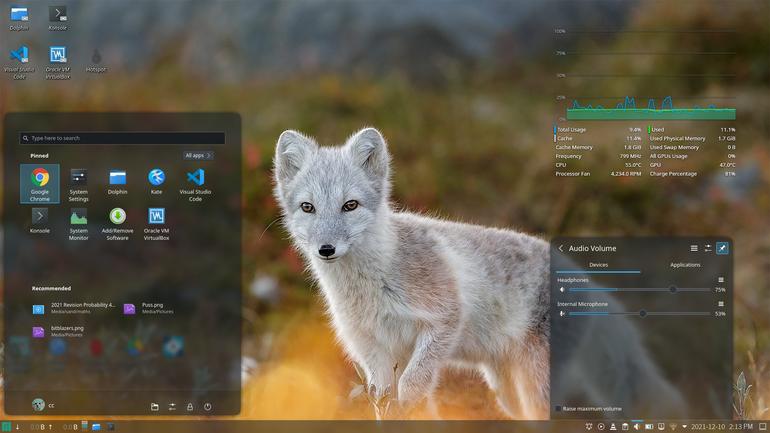
Minimal glassy theme for KDE plasmaBreeze Dark plasma style with transparent panels. Simple as possible.# Fine tune system settings : Transparency1. Open “System Settings”2. Go to: Appearance > Application Style3. Ensure “Breeze” is selected4. Hit the “Configure” button5. Click on the “Transparency” tab6. Adjust the slider to select your desired amount of transparency:# Fine tune system settings : Blur1. Open “System Settings”2. Head Source: https://www.opendesktop.org/p/1642940
↓ Kadiya.tar.gz
3 downloads
0 favorites
0 comments
No comments yet.
Sign in to leave a comment.
0 Comments