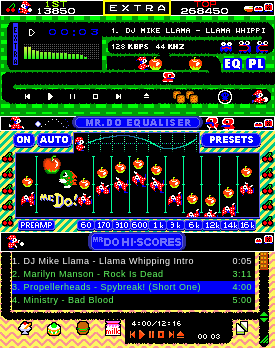
To install the Mister Do! font (dorun.fon and doscore.fon)
Windows
To install the Mister Do! font (dorun.fon and doscore.fon) ---------------------------------------------------------- The two font files dorun.fon and doscore.fon are contained within mister.wsz. Extract the .fon files from within the .wsz file using winzip. (the .wsz is just a .zip extention) by right clicking the misterdo.wsz file and click OPEN WITH winzip. Simply copy the files dorun.fon and doscore.fon to your fonts directory (normally C:\windows\fonts) To get the doscore fo
↓ misterdov2.wsz
4 downloads
0 favorites
0 comments
No comments yet.
Sign in to leave a comment.
0 Comments